.png?width=3799&height=728&name=Dark_Logo_R-01%20(1).png "SignalPET")
How to Improve Workflow in a Veterinary Clinic
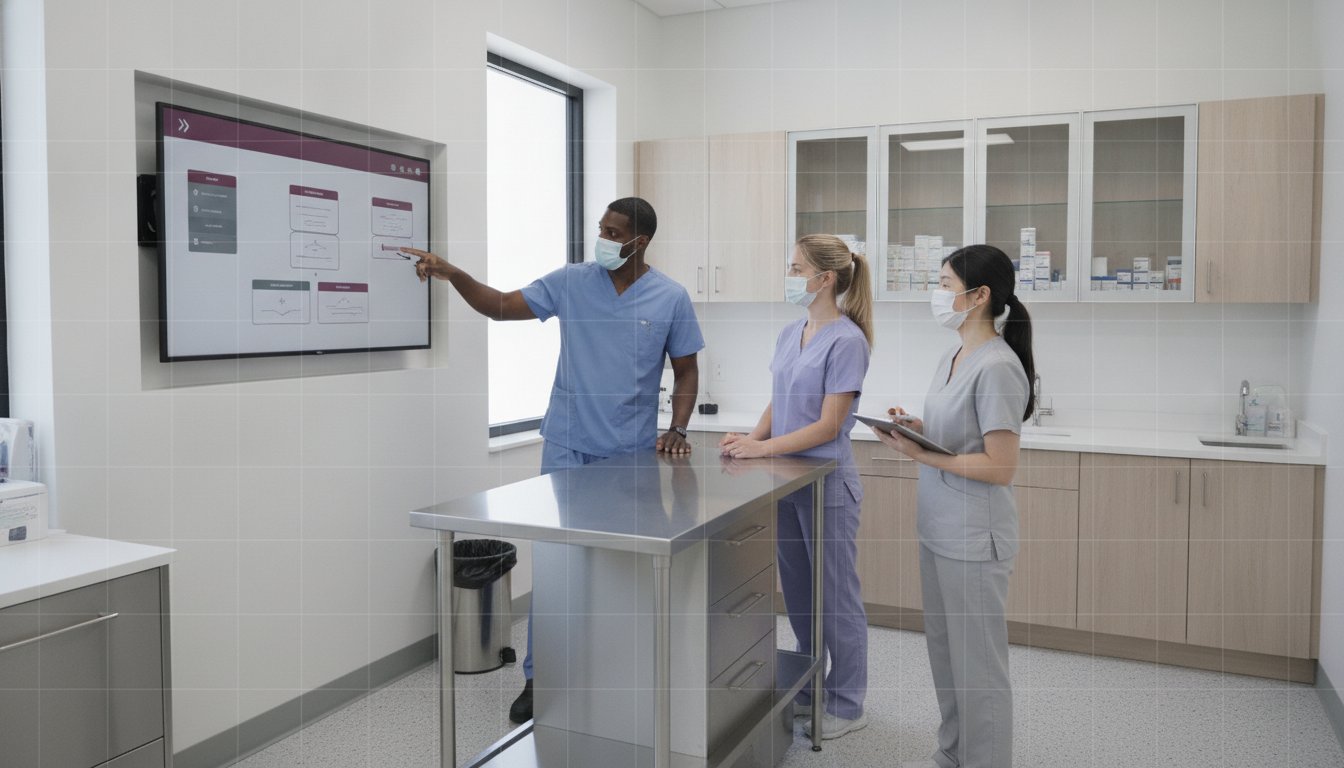
Running a veterinary clinic requires constant coordination between doctors, technicians, client service representatives, managers, and clients. When the workflow is smooth, appointments move faster, communication improves, records are completed on time, and patients receive more consistent care.
But when workflow breaks down, the impact is felt everywhere. Doctors fall behind on charts, technicians wait for instructions, clients wait for updates, diagnostics get delayed, and the team ends the day feeling overwhelmed.
Improving veterinary clinic workflow does not always require adding more staff or completely rebuilding the way your hospital operates. Often, the biggest improvements come from standardizing repeatable processes, removing unnecessary steps, and making sure every team member knows what happens next.
This guide covers practical ways to improve workflow in a veterinary clinic, from exam room efficiency to diagnostic recommendations, follow-up, charting, and team communication.
Key Takeaways
- A strong veterinary workflow helps reduce delays, improve patient care, and create a better client experience.
- The most common workflow challenges happen during intake, exam room handoffs, diagnostics, charting, and follow-up.
- Standardizing repeatable processes helps the team move faster with fewer missed steps.
- Diagnostic workflow is one of the most important areas to optimize because delays can affect both patient care and client communication.
- Improving workflow should start with identifying where time is being lost, then building simple systems around those bottlenecks.
Why Veterinary Clinic Workflow Matters
Veterinary workflow affects almost every part of the patient and client experience.
A well-structured workflow helps the team:
- Move patients through appointments more efficiently
- Capture accurate medical histories
- Make diagnostic recommendations faster
- Improve communication between doctors and technicians
- Reduce end-of-day charting
- Follow up with clients more consistently
- Create a better experience for pet owners
- Support more confident clinical decision-making
Workflow is not just an operations issue. It is a medical care issue.
When workflows are inconsistent, important details can be missed. One doctor may explain diagnostics one way, another may explain them differently. One technician may capture a complete history, while another may miss key information. Some radiographs may receive a second review, while others may not.
Standardized workflow helps reduce that variability.
Common Workflow Challenges in Veterinary Clinics
Before improving workflow, it helps to identify where the biggest delays usually happen.
Common bottlenecks include:
- Incomplete patient histories
- Delays between technician intake and doctor exam
- Unclear roles during appointments
- Inconsistent diagnostic recommendations
- Waiting on imaging or lab interpretation
- Doctors completing charts after hours
- Missed or delayed client follow-up
- Lack of standardized templates and protocols
- Poor handoffs between departments
- Too many manual steps in the workflow
These bottlenecks may seem small on their own, but over a full day they can create significant delays.
1. Start by Mapping the Current Workflow
The first step is to document what actually happens during a typical appointment.
Map the patient journey from start to finish:
- Appointment booking
- Client check-in
- Technician intake
- Medical history
- Doctor exam
- Diagnostic recommendations
- Treatment plan
- Imaging or lab work
- Client communication
- Checkout
- Medical record completion
- Follow-up
Once the workflow is mapped, look for areas where the team regularly waits, repeats work, or loses information.
Ask:
- Where do appointments most often slow down?
- Where does communication break down?
- Which tasks are repeated manually?
- Which steps depend too heavily on one person?
- Which parts of the workflow vary by doctor or technician?
- Where are clients waiting without updates?
This gives the clinic a clear starting point for improvement.
2. Standardize the Intake Process
A strong workflow starts before the doctor enters the room.
The intake process should help the team gather consistent information quickly. This includes the patient’s reason for visit, current medications, appetite, activity level, symptoms, timeline, previous diagnostics, and owner concerns.
To improve intake workflow:
- Use standardized history questions
- Create visit-specific intake templates
- Have technicians confirm the main concern early
- Flag urgent concerns before the doctor exam
- Add prompts for diagnostics that may be relevant
- Document client expectations before the exam begins
For example, a senior pet visit should not use the exact same intake flow as a vaccine appointment. A coughing dog, limping dog, vomiting cat, or dental case may each need different history prompts.
Better intake helps the doctor make faster, more informed decisions.
3. Define Clear Roles for Each Appointment
Workflow slows down when team members are unsure who owns each step.
Every appointment should have clear role expectations:
- Who collects the history?
- Who enters charges?
- Who presents estimates?
- Who discusses diagnostics?
- Who prepares the patient for imaging or lab work?
- Who updates the client?
- Who completes discharge instructions?
- Who schedules follow-up?
When roles are unclear, tasks get duplicated or missed. When roles are defined, the team can move more confidently.
A repeatable appointment structure also helps new team members onboard faster because they understand what is expected in each type of visit.
4. Build a Repeatable Exam Room Workflow
The exam room is one of the most important places to improve efficiency.
A repeatable exam room workflow may include:
- Technician greets the client and confirms the reason for visit
- Technician captures structured history
- Doctor reviews history before entering
- Doctor performs exam and explains findings
- Doctor recommends diagnostics or treatment
- Technician reviews estimate and obtains approval
- Diagnostics or treatments are completed
- Doctor reviews results and next steps
- Technician provides discharge instructions
- Follow-up is scheduled before checkout
This structure keeps the appointment moving and reduces confusion.
The goal is not to make every appointment feel robotic. The goal is to create a consistent framework so the team can focus more energy on the patient and client.
5. Improve the Diagnostic Recommendation Workflow
Diagnostics are a major part of veterinary medicine, but they can also become a workflow bottleneck.
Delays often happen when:
- The team is unsure when to recommend diagnostics
- Doctors explain diagnostics differently
- Clients do not understand the value of the recommendation
- Imaging results take too long to interpret
- The next step is unclear after results are received
- Findings are not documented consistently
To improve diagnostic workflow, clinics should create clear decision points.
For example:
- When should radiographs be recommended?
- Which symptoms or exam findings should trigger imaging?
- When should bloodwork be recommended?
- When does a case need a second review?
- Who communicates diagnostic findings to the client?
- How are results documented in the medical record?
- What happens if the client declines diagnostics?
A better diagnostic workflow improves both efficiency and confidence. It helps the team move from concern to recommendation to results to next steps with less delay.
6. Reduce Delays in Radiology Workflow
Radiology can be one of the most important workflow areas to optimize because imaging decisions often affect treatment, follow-up, and client communication.
Common radiology workflow delays include:
- Waiting for images to be reviewed
- Uncertainty around normal vs. abnormal findings
- Lack of standardized reporting
- Delays escalating complex cases
- Difficulty explaining findings to clients
- Inconsistent documentation
Improving radiology workflow may include:
- Standardizing when radiographs are recommended
- Creating a consistent image review process
- Ensuring every study has appropriate diagnostic support
- Using structured reports when possible
- Making it clear when a case needs specialist input
- Documenting findings and next steps in a repeatable way
When radiology workflow improves, doctors can make decisions faster and communicate more clearly with pet owners.
7. Create Templates for Common Visit Types
Templates are one of the easiest ways to improve clinic workflow.
Useful templates include:
- Wellness visit template
- Senior pet visit template
- Dental consultation template
- Limping patient template
- Vomiting or diarrhea template
- Coughing patient template
- Radiology report template
- Discharge instruction template
- Follow-up call template
- Estimate discussion template
Templates reduce the amount of time doctors and technicians spend starting from scratch.
They also help improve consistency across the team.
8. Reduce End-of-Day Charting
End-of-day charting is one of the clearest signs that workflow is breaking down.
Charting delays often happen because doctors are forced to move from room to room without enough time to complete records during the appointment. By the end of the day, they are left trying to remember details from multiple cases.
To reduce end-of-day charting:
- Use templates for common visit types
- Capture notes during the appointment
- Have technicians enter structured history
- Document diagnostics and treatment plans in real time
- Use standardized discharge instructions
- Build short charting windows into the schedule
- Avoid duplicate data entry where possible
The goal is to complete as much of the record as possible while the case is still active.
9. Improve Team Communication
Many workflow problems are really communication problems.
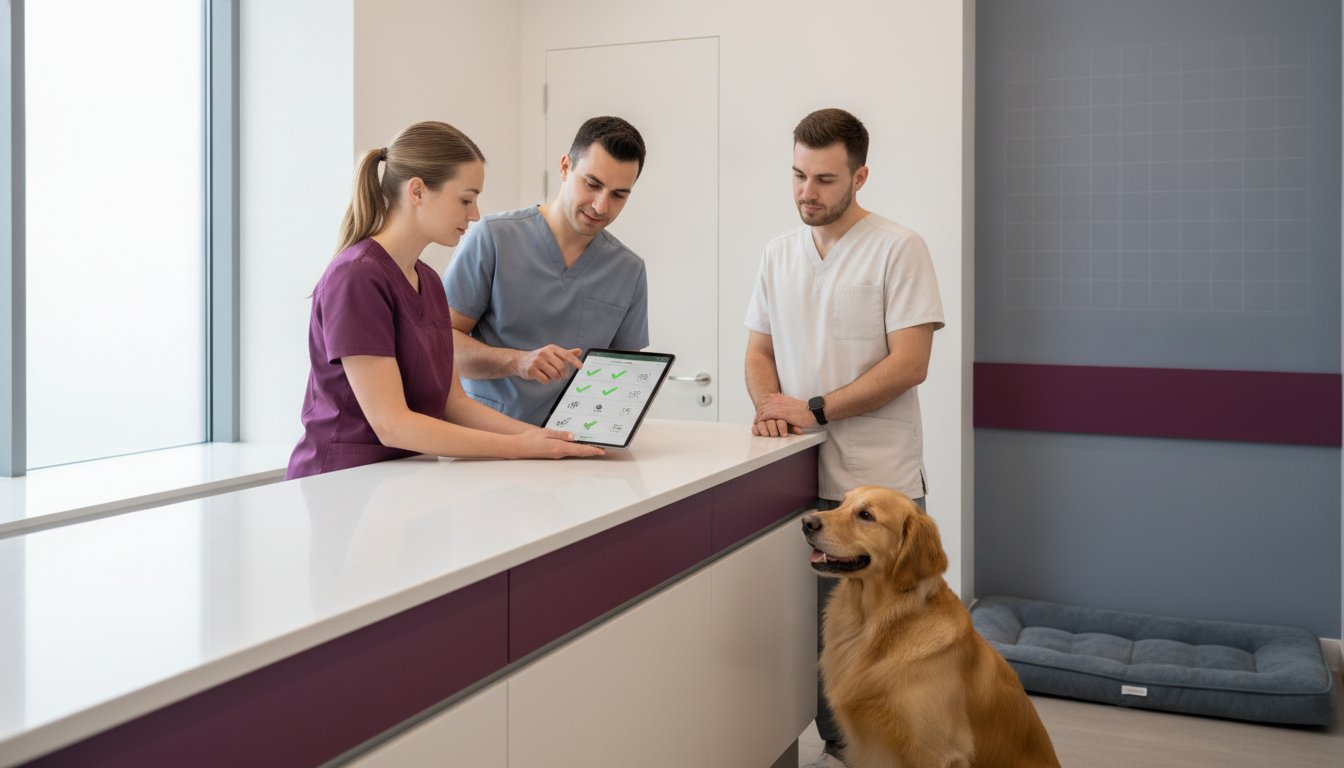
A clinic can improve communication by creating clear handoff points.
Examples:
- Technician to doctor handoff after intake
- Doctor to technician handoff after exam
- Imaging team to doctor handoff after radiographs
- Doctor to CSR handoff before checkout
- Doctor or technician to client follow-up handoff
Each handoff should include the key information needed for the next person to act.
For example, after a diagnostic recommendation, the technician should know:
- What was recommended
- Why it was recommended
- What estimate to present
- Whether the client has concerns
- What the next step is if the client approves
- What the next step is if the client declines
This reduces back-and-forth and keeps appointments moving.
10. Build a Better Follow-Up Workflow
Follow-up is often where good medical plans lose momentum.
A better follow-up workflow should answer:
- Which cases need follow-up?
- Who owns the follow-up?
- When should the follow-up happen?
- What should be communicated?
- How should the outcome be documented?
- What happens if the client does not respond?
Common cases that may require follow-up include:
- Abnormal imaging findings
- Lab abnormalities
- Chronic disease management
- Senior pet care
- Dental procedures
- Medication rechecks
- Cases where diagnostics were declined
- Cases referred for specialist care
Follow-up should be assigned before the client leaves the clinic. Otherwise, it can easily fall through the cracks.
11. Use Technology to Remove Manual Steps
Technology should support the workflow, not complicate it.
Look for areas where the team is manually repeating work, moving information between systems, or waiting on disconnected processes.
Examples include:
- Online booking
- Digital intake forms
- PIMS integrations
- Automated reminders
- Diagnostic integrations
- Report templates
- Client communication tools
- Task management systems
The most useful tools are the ones that reduce friction in the existing workflow and help the team make faster, more consistent decisions.
12. Measure Workflow Improvements
Once changes are made, track whether they are actually helping.
Useful workflow metrics include:
- Average appointment length
- Time from check-in to doctor exam
- Time from diagnostic recommendation to approval
- Time from radiographs to interpretation
- Number of incomplete charts at end of day
- Number of missed follow-ups
- Client wait time
- Client satisfaction
- Staff overtime
- Doctor satisfaction
Even simple tracking can help the clinic understand whether workflow changes are making a difference.
Veterinary Clinic Workflow Checklist
Use this checklist to identify areas for improvement.
Intake Workflow
- Standardized history questions
- Visit-specific intake templates
- Clear technician intake process
- Main concern confirmed before doctor exam
Exam Room Workflow
- Defined doctor and technician roles
- Repeatable exam room process
- Clear diagnostic recommendation steps
- Estimates presented consistently
Diagnostic Workflow
- Clear triggers for imaging and lab work
- Consistent radiology review process
- Structured reporting where possible
- Clear process for complex cases
Charting Workflow
- SOAP templates
- Notes captured during the appointment
- Discharge templates
- Charting time built into the day
Follow-Up Workflow
- Follow-up assigned before checkout
- Follow-up templates available
- Missed follow-ups tracked
- Results documented in the medical record
Technology Workflow
- Integrated systems where possible
- Reduced duplicate data entry
- Automated reminders
- Clear reporting tools
FAQ
What is veterinary clinic workflow?
Veterinary clinic workflow is the step-by-step process a clinic uses to move patients, clients, information, diagnostics, treatments, and follow-up through the hospital. It includes everything from appointment booking and intake to exams, diagnostics, charting, checkout, and follow-up.
How can a veterinary clinic improve workflow?
A veterinary clinic can improve workflow by standardizing repeatable processes, defining team roles, improving intake, reducing manual steps, creating templates, streamlining diagnostics, and assigning follow-up before the client leaves the clinic.
What causes workflow bottlenecks in a vet clinic?
Common workflow bottlenecks include incomplete histories, unclear team roles, delayed diagnostics, inconsistent recommendations, poor handoffs, end-of-day charting, and missed follow-up processes.